
My AI agent knows the laws of physics better than I do. Working on the simulation for my DIY robot, it explains how the physics engine calculates friction between wheel and ground, and works out the exact incline at which the robot would get stuck on a hypothetical ramp in the kids’ room.
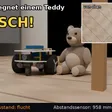
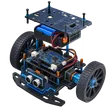
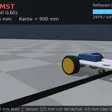
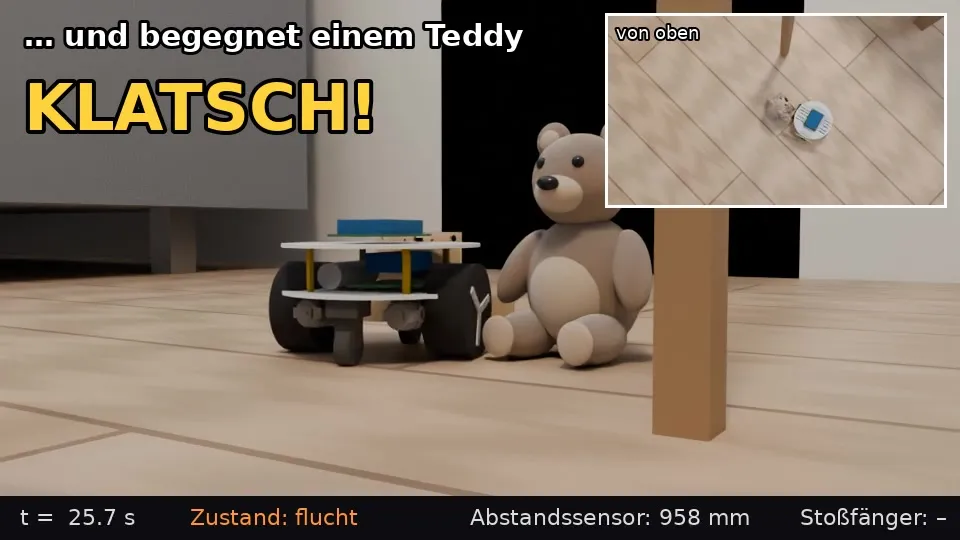
But the physics simulation is “headless” – it exists only as numbers and data. So I had the agent render a video of the simulation: the robot drives through the living room and bumps into my daughter’s teddy bear along the way, knocking it over:
Anyone who has ever held a teddy bear knows right away: that’s not how a teddy bear falls over. What bothers me most is that a light nudge at the foot knocks it over completely.
Physically, it’s probably calculated correctly. It’s just that the teddy bear in the simulation is a rigid body made of a few basic geometric shapes. The agent simply doesn’t know where and how simplification is acceptable, or what actually matters about a real teddy bear. And it doesn’t notice, either, when it looks at the result.
To be fair: this particular scenario has no bearing on the robot’s design. And a more realistic simulation wouldn’t add any value here. But that, too, is just an assumption.
Technical details
For anyone who wants the details: here’s how the video was made.
| Area | Implementation |
|---|---|
| Physics | MuJoCo, robot built from the CAD data, 20 ms control loop |
| Control | The robot’s firmware core, the same code that runs on the microcontroller |
| Teddy bear | 15 cm, 80 g (estimated), a rigid body made of an ellipsoid, a sphere, and two capsules |
| Sequence | Starting position and moment of impact chosen, everything after that simulated |
| Rendering | Blender 4.2 Cycles on the CPU, 960 × 540, 8 samples + denoising |
| Render time | approx. 17 s per frame, overnight run from 10:25 pm to 3:21 am |
Here’s what the teddy bear looks like to the physics engine:
<body name="teddy"><freejoint/>
  <geom name="teddy_rumpf"  type="ellipsoid" size=".038 .042 .05" mass=".045"/>
  <geom name="teddy_kopf"   type="sphere"    size=".034"          mass=".02"/>
  <geom name="teddy_bein_l" type="capsule"   size=".016"          mass=".0075"/>
  <geom name="teddy_bein_r" type="capsule"   size=".016"          mass=".0075"/>
</body>
A single body that can move freely as a whole. The head and legs are rigidly attached to the torso – nothing gives, nothing is soft. The arms exist only in the rendered image; for the physics, they don’t exist at all.